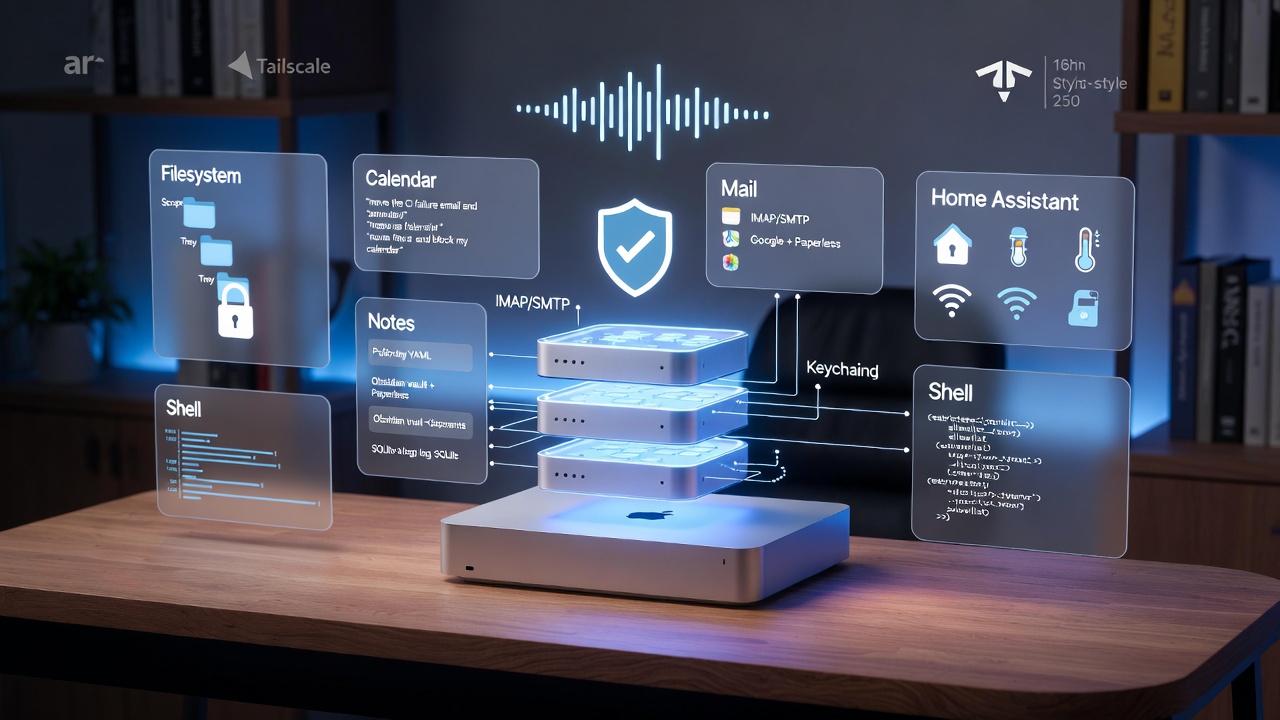
TL;DR This path walks through the full stack I run on a Mac Studio: local models → MCP tools → memory → remote access → security Almost no other blogs document the build and the hardening layer together Finish with Securing AI Agents before giving the agent real filesystem or mail access Part of the broader Trust series Read in order Which Mac Studio Should You Buy for Running LLMs Locally? - hardware and model sizing Giving Your Home AI Agent Real Tools: MCP Servers on a Mac Studio - wiring the tool layer Giving Your Home AI Agent Memory That Lasts - persistence across sessions How to Phone Your Home AI Agent - remote access when you are away Securing AI Agents - least privilege, confirmation gates, audit logs Adjacent guides Running AI Models Locally with Ollama - lighter-weight local inference option Agent Protocols in 2026: MCP, A2A, and ACP - the protocol layer Local AI vs Cloud AI - when to host vs call APIs DGX Spark vs Mac Studio - if you are sizing a dedicated inference box Related Reading AI Economics and Hardware: A Reading Path - token costs, GPU sizing, and energy constraints behind every hardware decision AI Dev Tooling: A Reading Path for 2026 - the coding and development layer that sits above the agent infrastructure Open WebUI: A Self-Hosted LLM Interface - web interface layer to pair with local inference Agent Protocols in 2026: MCP, A2A, and ACP - the protocol layer connecting agents to tools