- Artificial Intelligence (LLMs, AI agents, and the future of human expertise)
- Blockchain (Decentralized infrastructure, networks, and ecosystem evolution)
- Data Engineering (Building data infrastructure that actually scales)
- Data Science (Graph algorithms, network analysis, and statistical methods)
- DevOps (Infrastructure, automation, and operational philosophy)
- General (Culture, television, and the miscellaneous)
- Retro Computing (The machines and culture that shaped computing)
- Music Production (Gear, sound design, and creative workflow)
- Personal Development (Expertise, craft, and the engineering mindset)
- Security (Threat modeling, cryptography, and systems that resist attack)
- Software Engineering (System design, languages, and the craft of code)
- Space (Infrastructure and vision for human expansion beyond Earth)
- Theories (Physics, cosmology, and the big open questions about reality)
Unbaffled with Jim Al-Khalili: Making the Weirdest Ideas in Science Feel Intuitive
I have already written about the two physicists who did the most to talk me into taking many-worlds and the wider multiverse seriously, so when a new YouTube channel showed up in my feed built entirely around the premise that science doesn’t have to be baffling, I was always going to click. Unbaffled, presented by Professor Jim Al-Khalili, launched on 25 June 2026, and in its first three weeks it has already covered quantum interpretation, brain lateralisation, and whether time travel is physically permitted. That is a wide spread for a channel barely a month old, and it is exactly the range I wanted a profile to capture. ...

Which Mac Studio Should You Buy for Running LLMs Locally?
TL;DR Best entry point: M2 Max 32-64 GB (~£1.4k-£2k) for 7B-13B models at 25-40 tok/s Best sweet spot: M2 Ultra 64-128 GB (~£3k-£4.5k) handles 30B+ models comfortably Best for 70B models: M3 Ultra 128 GB+ (~£5.5k+) with 800+ GB/s bandwidth Newer alternative: M4 Max (£2k-£4k) - lower bandwidth (410-546 GB/s) than Ultra chips, but still solid for 7B-13B models Key rule: Memory bandwidth matters more than raw compute for token generation Reality check: A RTX 5090 rig is 2-3× faster for similar money - buy Mac for simplicity and unified memory July 2026 update: Apple’s memory crunch has killed new 256GB/512GB Ultra configs for now - big-memory Macs are refurb-only until the M5 Ultra (tested up to 768GB) lands late 2026 On the horizon: the M7 Ultra, rumoured for around 2029, is reportedly designed to support up to 1.5TB of unified memory - see the road ahead below You want to run large language models locally on a Mac Studio. Good idea - unified memory is genuinely useful for LLMs. But the specs matter, and there are some hard truths about what “works” versus what feels responsive. More importantly: the right Mac depends entirely on which model you want to run. ...

Apple Sues OpenAI, and the Musk-Altman Feud Finds a New Stage
TL;DR Apple sued OpenAI on July 10, 2026 in the Northern District of California, alleging the company stole trade secrets “at every level” to build its own hardware - CNBC Central to the claim: Tang Tan, OpenAI’s hardware chief and a former Apple VP, allegedly told job candidates still employed at Apple to bring “actual parts” to interviews for show-and-tell, and circulated an Apple offboarding document that taught new hires how to dodge exit security checks A separate allegation names Chang Liu, a former Apple systems electrical engineer, who allegedly kept an Apple-issued laptop after joining OpenAI in 2026 and used it to pull confidential documents on unannounced Apple products OpenAI’s on-record response: “We have no interest in other companies’ trade secrets. We remain focused on building innovative technology that empowers people everywhere.” Two days later, on July 12, Elon Musk and Sam Altman traded insults on X - Musk opened with “Scam Altman strikes again,” Altman replied with a post that hit 11 million views - CNBC The spat lands seven weeks after a jury dismissed Musk’s own lawsuit against Altman and OpenAI on May 18, 2026, and while both SpaceX (public since June 12) and OpenAI (confidentially filed for IPO) are courting the same public markets Three storylines collided this week, and it’s worth pulling them apart before deciding how much any of it matters. Apple filed a serious federal lawsuit against OpenAI over alleged theft of hardware trade secrets. Two days later, Elon Musk and Sam Altman were back to public insults on X, in a feud that has now run for the better part of a decade. And underneath both, two of the most valuable private companies on the planet - SpaceX and OpenAI - are mid-transition to public markets, which changes the stakes of looking undisciplined in public. ...
Mechanistic Interpretability: Reading the Mind of a Model
TL;DR Mechanistic interpretability is the attempt to reverse-engineer a trained neural network into human-understandable parts - to say not just what a model does but which internal machinery makes it do that The core obstacle is superposition: models pack far more concepts than they have neurons by smearing each concept across many neurons and each neuron across many concepts, so a single neuron almost never means one clean thing Sparse autoencoders were the breakthrough that undid the smearing, pulling millions of monosemantic features out of a production model - Anthropic’s “Golden Gate Claude” demonstration proved these features are causal, not just correlational Circuit tracing went further, showing that models plan ahead when writing poetry, share a language-independent “space of thought,” and sometimes reason backwards from a desired answer while narrating a plausible-but-fake chain of thought I am a data engineer and an enthusiast here, not an interpretability researcher, but I think this is the single most under-watched thread in AI: it is the only path I know of to a model we can audit rather than merely test, and it quietly reshapes how I think about the mind question too Every other reliability technique I have written about treats the model as a black box. Retrieval, verification, structured outputs, evals - they all wrap machinery you cannot see and try to make its outputs trustworthy from the outside. That is the correct engineering stance today, and I stand by all of it. But it is also, if you sit with it, a slightly desperate stance. We are building the most consequential technology of the century and our primary safety strategy is to poke it from the outside and see what comes out. ...

Sean Carroll: The Physicist Who Made Many-Worlds Feel Reasonable
I already owed Sean Carroll a proper post. When I wrote A New Universe All Throughout The Day I admitted, almost in passing, that he was the person who really led me into taking the many-worlds interpretation seriously rather than treating it as a science-fiction gimmick. Then two New Scientist videos landed in front of me within a few weeks of each other - one titled We May Never Understand Reality and one titled Why Quantum Physics Says There’s a Multiverse - and I realised I had been circling him for months without ever writing the man down. This is me doing that. ...
Fable 5 Is Back: What Anthropic Learned From Eighteen Days Off The Shelf
TL;DR Fable 5 returns globally on 1 July 2026 on Claude.ai, Claude Code, Claude Cowork, and the Claude Platform, after export controls were lifted on 30 June The recall was triggered by an Amazon research report describing a jailbreak that let Fable 5 identify software vulnerabilities; Anthropic’s testing found Opus 4.8, GPT-5.5, Kimi K2.7, and others could do the same A new safety classifier blocks the specific technique in over 99% of cases; blocked requests fall back to Opus 4.8 Anthropic argues the jailbreak was minor - it intruded into the model’s deliberate “safety margin”, not its core harmful capabilities Together with Amazon, Google, and Microsoft, Anthropic is drafting a shared jailbreak severity framework (capability gain, breadth, ease of weaponisation, discoverability) - the AI equivalent of CVSS Mythos 5 is restored for a set of US Glasswing partners; broader international access remains under government coordination Eighteen days ago I wrote about the government order that pulled Fable 5 and Mythos 5 off the shelf - four days after launch, a verbal export control directive at 5:21pm ET, global suspension for every user including Anthropic’s own staff. The open question in that post was whether access would be restored in days or weeks, and whether the precedent would reshape how every frontier lab ships models. ...
GTA 6 and the Economics of the Biggest Launch in Entertainment History
TL;DR Grand Theft Auto VI now launches on November 19, 2026 for PS5 and Xbox Series X/S, after slipping first from 2025 to May 26, 2026 and then to November. No PC at launch. Development is widely estimated at $1 - 2 billion, with some reports of total production and salary spend climbing higher still - comfortably the most expensive game ever made, and arguably the most expensive single piece of media ever produced. For scale: GTA V cost roughly $265 million, has sold around 225 million copies, and made well over $10 billion across twelve years. First-year revenue forecasts for GTA 6 run from about $3.2 billion to over $7 billion, and Take-Two’s own FY2027 guidance points at $8.0 - 8.2 billion in net bookings. Pre-orders reportedly cleared $1 billion in the first hour. The thing now behaves less like a product launch and more like a small economy switching on. I’m a hobbyist who plays games and likes numbers, not an industry analyst - so treat this as one curious observer doing the arithmetic out loud. I should be upfront: I am not a games-industry analyst, and nothing here is insider knowledge. I’m someone who has sunk an embarrassing number of hours into Rockstar’s worlds over the years and who finds the economics of this particular launch genuinely hard to get my head around. GTA 6 has crossed a threshold where a video game stops being comparable to other games and starts being comparable to infrastructure projects. That shift is what I want to pick at. ...
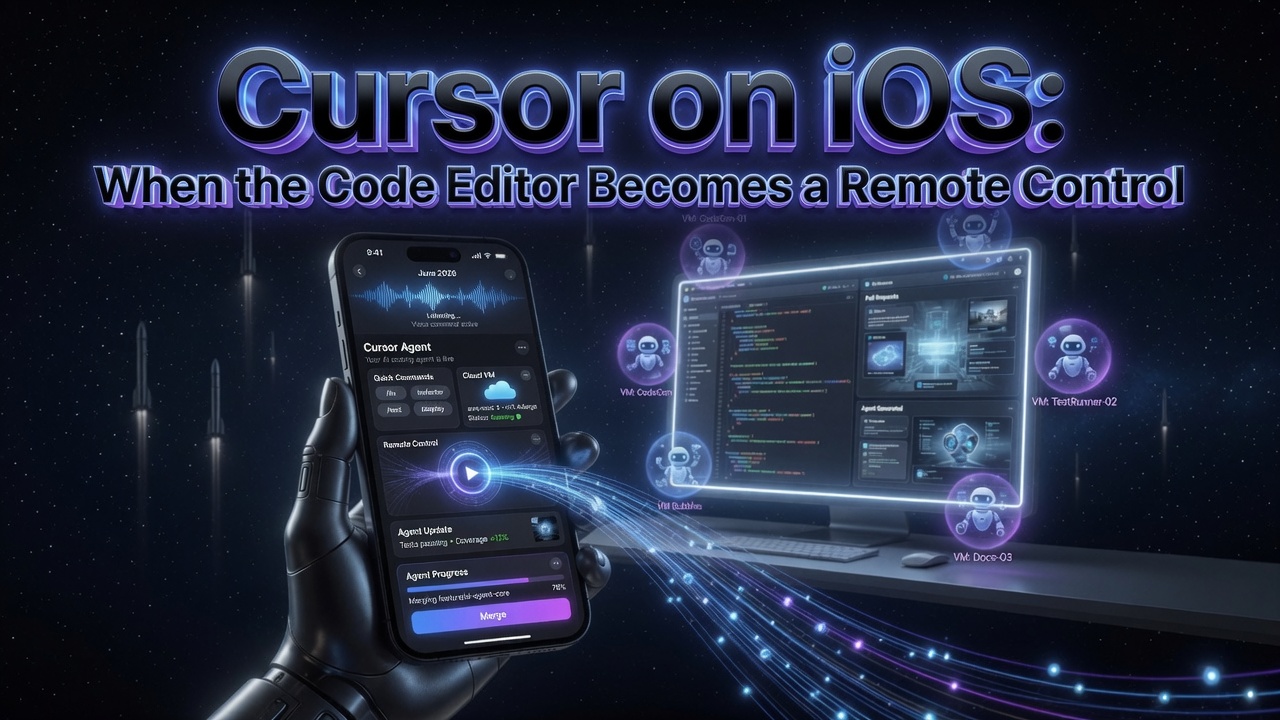
Cursor on iOS: When the Code Editor Becomes a Remote Control
TL;DR On June 29, 2026, Cursor released a native iOS app in public beta, available on all paid plans, for iPhone and iPad You can launch cloud agents from your phone - pick a repo, describe the task by voice or text, use slash commands, choose a frontier model, and let an agent run in an isolated VM Remote Control lets you take an agent already running on your desktop and keep steering it from your phone, with an option to keep the machine awake while you’re away Live Activities put agent status on your lock screen; you get push notifications, can review demos, screenshots and logs, inspect diffs, and merge pull requests without opening a laptop A launch promo gives 75% off Composer 2.5 runs in the mobile app through July 5, 2026 This lands months after SpaceX’s move on Cursor - and reframes the editor as an orchestration surface rather than a place you type code I’ve written about Cursor enough times on this blog that a phone app could have been a footnote. It isn’t. Not because the app itself is revolutionary - it’s a well-made mobile client - but because of what it quietly admits about how the work has changed. For most of software history, the editor was where you sat and typed. Cursor’s iOS app is built on the assumption that you mostly aren’t typing anymore. You’re directing. ...
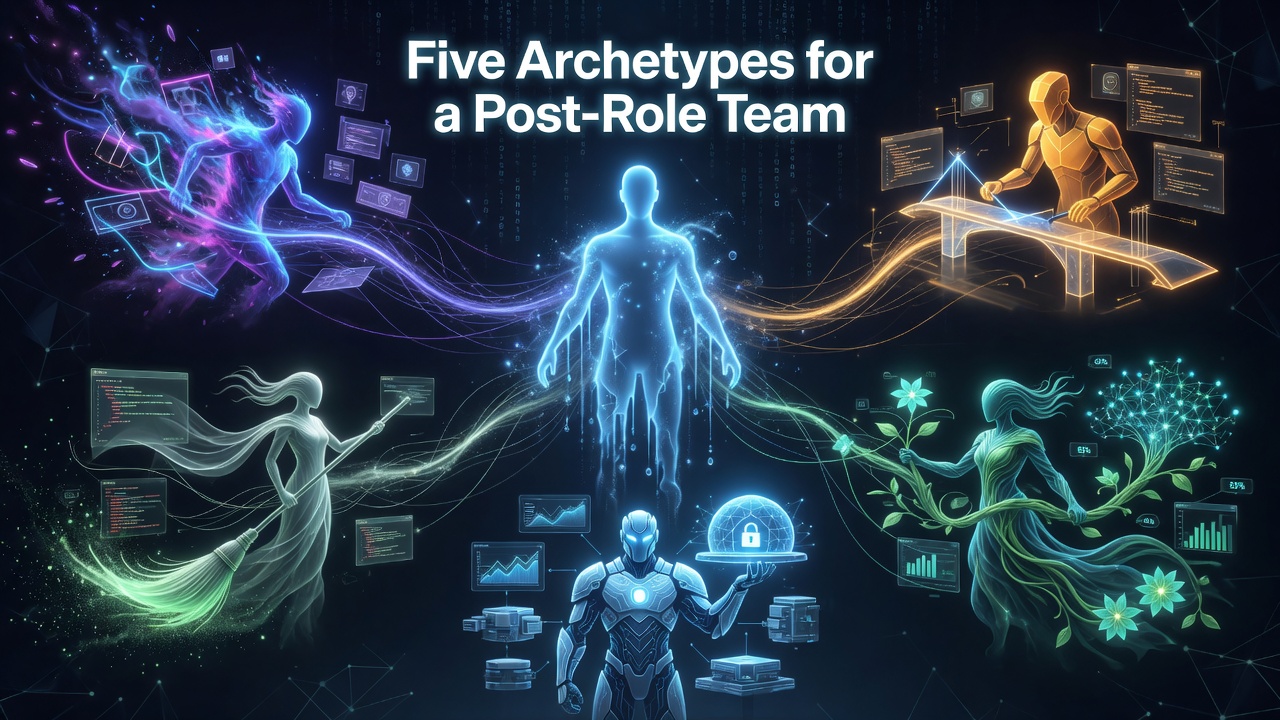
Five Archetypes for a Post-Role Team
TL;DR Boris Cherny, who built Claude Code at Anthropic, posted a short framing: as engineering, product, design, and data science melt into one role, he sees five archetypes on his team The five are Prototyper, Builder, Sweeper, Grower, and Maintainer - and crucially, none of them map cleanly to a job title The interesting claim is not the list, it is the decoupling: the archetype is a description of what energy you bring to a system, not what your contract says you do I think the framing is genuinely useful as a self-diagnostic, and quietly radical for how teams get staffed and rewarded Where it leaves me unsure: it describes a steady-state team that already exists, and says less about how you grow people into these shapes, or what happens to the people who do not fit any of them A short post on X has been rattling around my head for a few days. Boris Cherny, who built Claude Code at Anthropic, was reflecting on what happens to roles when the old functional boundaries stop meaning much. His observation: when he looks at the Claude Code team, he does not really see engineers, designers, PMs, and data scientists. He sees five archetypes that cut across all of them. ...
The $2.22 Problem: OpenAI's IPO and the First Crack in the ChatGPT Monopoly
TL;DR On June 8, 2026, OpenAI filed a confidential S-1 with the SEC, targeting a September 2026 public listing with Goldman Sachs and Morgan Stanley as underwriters The private valuation sits at $852 billion, with analysts projecting a debut above $1 trillion - one of the five largest IPOs in US history The same week, ChatGPT’s market share fell below 50% for the first time - to 46.4%, with Gemini at 27.7% and Claude at 10.3% OpenAI’s Q1 2026 non-GAAP operating margin was negative 122%: it spends $2.22 for every dollar it earns Noam Shazeer - co-author of Attention Is All You Need and the AI talent Google paid $2.7 billion to retain in 2024 - just left Google to join OpenAI Anthropic filed its own S-1 a week earlier, on June 1, targeting October, at a $965 billion valuation - the two biggest AI labs are racing to Wall Street simultaneously The timing is almost too perfect to be coincidence - and yet it is. On June 8, 2026, OpenAI submitted a confidential S-1 registration with the SEC, beginning the legal process toward a public listing. The same week, for the first time since ChatGPT launched in November 2022, OpenAI’s flagship product held less than half of the global AI assistant market. The company is going to Wall Street at the precise moment it is no longer the only name in the room. ...