TL;DR
- On June 29, 2026, Cursor released a native iOS app in public beta, available on all paid plans, for iPhone and iPad
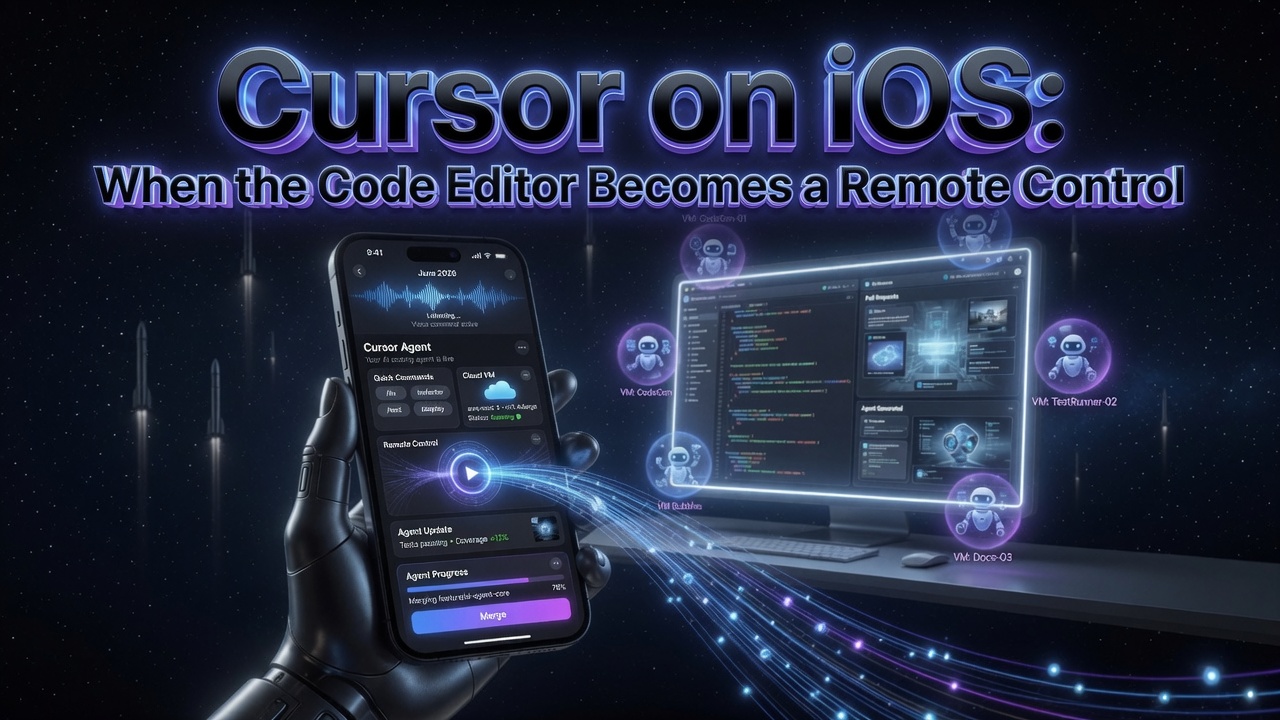
- You can launch cloud agents from your phone - pick a repo, describe the task by voice or text, use slash commands, choose a frontier model, and let an agent run in an isolated VM
- Remote Control lets you take an agent already running on your desktop and keep steering it from your phone, with an option to keep the machine awake while you’re away
- Live Activities put agent status on your lock screen; you get push notifications, can review demos, screenshots and logs, inspect diffs, and merge pull requests without opening a laptop
- A launch promo gives 75% off Composer 2.5 runs in the mobile app through July 5, 2026
- This lands months after SpaceX’s move on Cursor - and reframes the editor as an orchestration surface rather than a place you type code
I’ve written about Cursor enough times on this blog that a phone app could have been a footnote. It isn’t. Not because the app itself is revolutionary - it’s a well-made mobile client - but because of what it quietly admits about how the work has changed. For most of software history, the editor was where you sat and typed. Cursor’s iOS app is built on the assumption that you mostly aren’t typing anymore. You’re directing.
I’m a hobbyist who spends a lot of evenings with these tools rather than someone shipping them, so take my read as one developer’s view from the outside. But the shift here feels real.
What Actually Shipped
The announcement is straightforward. There’s now a native Cursor app on the App Store for iPhone and iPad, in public beta, included on every paid plan. The flow mirrors the desktop: open the app, choose a repository, describe what you want, and launch an agent.
The details that matter:
- Voice and slash commands. You can describe an idea out loud rather than thumb-typing a paragraph into a phone, and the same slash commands you’d use on the desktop are available to steer the agent.
- Cloud agents in isolated VMs. Agents run in their own virtual machines with full development environments, so they can install dependencies, run the code, test it, and produce a demo or screenshot - not just suggest a diff.
- Remote Control of your desktop. This is the part I find most telling. You can take an agent that’s already running on your computer and continue directing it from your phone, with an option to keep the machine awake while you’re away from your desk. The laptop becomes a worker; the phone becomes the console.
- Review and merge from the phone. Live Activities surface agent status on the lock screen, push notifications tell you when something finishes, and you can review the artifacts - demos, screenshots, logs - inspect the diff, and merge the pull request directly.
There’s also a launch incentive: 75% off Composer 2.5 runs inside the mobile app through July 5. Composer 2.5 is Cursor’s in-house model, and discounting agent runs on it is a fairly transparent push to get people comfortable kicking off work from their pocket.
The Real Story: The Editor Stopped Being the Workplace
Here’s what I keep coming back to. A mobile app for a code editor used to be an oxymoron. You can’t meaningfully write or read a large codebase on a 6-inch screen, and nobody was asking for one. The reason this app makes sense in 2026 is that the bottleneck has moved.
The unit of work is no longer “characters I type into a file.” It’s “tasks I hand to an agent and then judge.” And judging is a much more portable activity than authoring. Describing an intent, reviewing a result, approving or rejecting a change - all of that fits a phone perfectly. The desktop is still where the agent does its heavy lifting; the phone is where the human applies taste and makes the call.
I’ve argued before that the engineer is becoming more curator than author, and a phone app for an IDE is about the most concrete evidence of that you could ask for. You don’t put a curator at a keyboard for eight hours. You give them a way to start things, get pinged, look, and decide.
The Remote Control feature is the clearest expression of this. Your real machine - with your environment, your secrets, your repo checkout - keeps doing the work. The phone is a thin steering layer over a powerful remote. That’s not a code editor in any traditional sense. It’s a control plane for labour you’re no longer doing by hand.
What This Unlocks - And What It Costs
The use cases Cursor leans on are revealing: respond to an incident by spinning up an agent to investigate and propose a fix; knock out a customer bug from a coffee queue; make a quick UI change because someone complained on social media. These are all “the work found me while I was away from my desk” scenarios. The pitch is that latency between noticing a problem and starting a fix collapses to roughly zero.
That’s genuinely useful. It’s also worth being honest about the other side of the ledger.
The always-available developer. A tool that lets you fix production from a restaurant is a tool that invites you to fix production from a restaurant. The same frictionlessness that makes incident response faster also erodes the boundary that “I’m not at my computer” used to provide. I don’t think that’s Cursor’s fault - it’s a property of the whole agent era - but a phone in your pocket that can merge to main is a different relationship with work than a laptop you close.
Review quality on a small screen. Merging a PR from a phone is easy. Properly reviewing one is not. The risk with any tool that makes approval one tap away is that the approval becomes reflexive - you trust the green demo and the screenshot rather than reading the diff, because reading a diff on a phone is genuinely hard. The convenience is real; so is the temptation to rubber-stamp. The discipline that mattered when AI evals were quietly broken matters just as much when the human is the eval and they’re doing it on a train.
I’m not raising these to be a downer - I’ll almost certainly use the app. They’re just the natural cost of moving the merge button into your pocket, and it’s better to name them than pretend they don’t exist.
The SpaceX Backdrop
It’s hard to read this release without the SpaceX acquisition context, which I covered earlier this month - and 9to5Mac framed the launch explicitly as following that deal. I’m cautious about reading too much intent into timing, but the strategic logic lines up. If you’re building Cursor into an infrastructure-grade development platform rather than a desktop tool, an always-on mobile control surface is exactly the kind of thing you ship. Owning the editor is one thing. Owning the place developers reflexively reach for when something breaks - their phone - is a deeper kind of lock-in.
Cursor has also flagged what’s next: repo-less chats, and Model Context Protocol integrations for tools like Datadog and Slack. The MCP direction is the one I’d watch. Once your phone agent can read your observability platform and your team’s chat, the “incident response from anywhere” story stops being a demo and starts being a workflow.
What I’m Watching
Whether Remote Control becomes the default. If steering a desktop agent from a phone turns out to be genuinely pleasant, it changes the shape of a working day more than the cloud-agent feature does. That’s the one I’ll be testing first.
Review behaviour. I want to see whether merging-from-phone makes people ship faster or just ship more carelessly. The honest version of that answer will take a few months of real teams using it.
The Android question. This is iOS-only at launch, with no Android commitment I can find. For a developer tool, leaving out Android is a notable choice - and a temporary one, I’d guess.
MCP integrations. Datadog and Slack from your phone is the feature that turns this from “neat” into “operationally significant.” When that lands, the app stops being a companion and starts being a first-class place the work happens.
The thing I’ll remember about this release isn’t the app. It’s the quiet confirmation that the editor - the thing that defined what it meant to be a programmer for fifty years - is no longer where most of us spend our attention. We start work, we judge work, and increasingly we do both from a screen that can’t even show a full function. That’s a strange place to have arrived. It’s also, clearly, where we are.
I’m a hobbyist writing from the outside, not a Cursor insider. Try the tools, read the primary sources, and form your own view.
Sources
- Build from anywhere with Cursor for iOS - Cursor blog
- Cursor Mobile App for iOS - Cursor changelog
- Cursor on the App Store - Apple
- Cursor releases iPhone and iPad app following recent acquisition by SpaceX - 9to5Mac
- Cursor launches iOS app so developers can spin up coding agents from their phone - The Next Web