TL;DR
- Claude Design is Anthropic’s new design collaboration tool that lets designers and engineers work in the same environment, with Claude as the bridge between intent and implementation
- It reads your codebase and existing design files during onboarding so generated designs respect your team’s actual constraints, not hypothetical best practices
- The strongest feature is its integration with Claude Code: designs are packaged into handoff bundles that encode intent and context, not just pixels and spacing values
- Collaboration happens inside the tool - inline comments, on-the-fly adjustments, and consistent application of changes across the whole design - removing the need for scattered Figma comments and DMs
- Currently in research preview for paid Claude tiers; works best for teams already using Claude across writing, coding, and research rather than teams deeply embedded in the Figma ecosystem
Design-to-development handoff has always been a friction point. Designers create something beautiful. Engineers interpret Figma specs, argue about spacing, squint at color values. SVG assets get lost. Responsive behavior gets reimplemented. By the time the code matches the design, half the polish is gone.
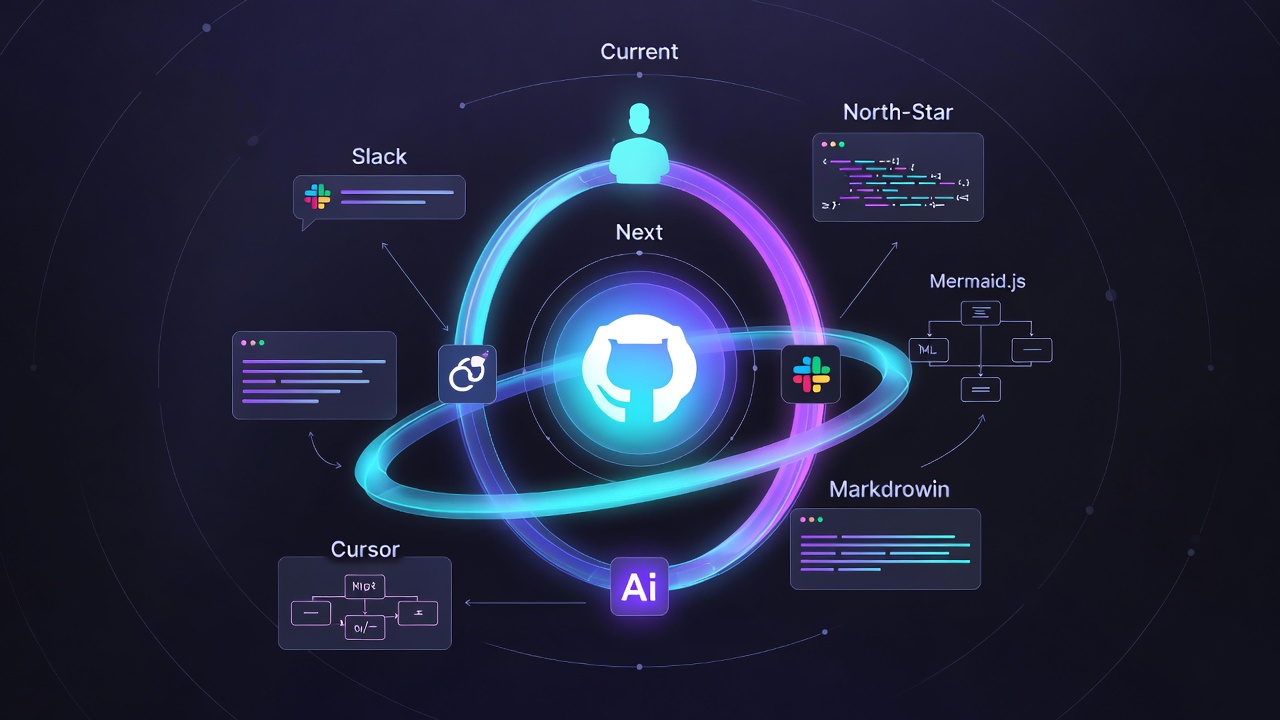
Claude Design, Anthropic’s new design collaboration tool, attacks this problem directly. Instead of designers creating static files that engineers have to decode, Claude Design lets both sides work in the same tool - with Claude as the bridge.
How It Changes the Workflow
The traditional flow looks like: design mockup → hand off files → engineering interprets → back-and-forth refinement. Claude Design compresses this. You describe what you want, upload your design system, and Claude generates designs that are already consistent with your brand. More importantly, when you’re ready to build, Claude packages the design with all the context an engineer needs - not just pixels, but the intent.
The design system integration is the clever part. During onboarding, Claude reads your codebase and design files to understand how your team actually builds. This means Claude can generate designs that account for your constraints - not hypothetical best practices, but your way of working.
Where This Matters
For teams moving fast, Claude Design could cut weeks off the design phase. Imagine spinning up marketing collateral, internal dashboards, or pitch decks - things where iteration speed matters more than pristine design. The flexibility is notable: you can start from text (“make a landing page for our new product”), feed it a Word doc with content, reference your live website, or just screenshot what you want improved.
The collaboration layer feels like the real insight though. Instead of DMs and Figma comments scattered across tools, conversations happen within Claude Design. You can comment inline, adjust spacing or colors on the fly, and Claude applies changes consistently across the whole design. Everyone stays in one place.
The Development Handoff
Where Claude Design really shines is integration with Claude Code. When your design is ready, Claude packages it into a handoff bundle - think of it as a design spec that Claude Code actually understands. No more “the padding looks wrong” or “what font size is this?” Claude has already extracted that information.
This matters because it means the person building it gets context about why the design was made that way, not just what it looks like.
Limitations Worth Noting
Claude Design is in research preview, so expect rough edges. It’s aimed at teams with Claude Pro, Max, Team, or Enterprise subscriptions - not a free tool. The export options (Canva, PDF, PPTX, HTML) cover most needs, but integrating this into an existing design workflow requires buy-in from your whole team.
The real constraint is that Claude Design is best when your team wants to work the Claude way - describing what you want, iterating through conversation, and handing off to Claude Code. If your team is locked into Figma and its ecosystem, Claude Design is more of a companion tool than a replacement.
What This Signals
Claude Design is part of a larger shift: AI tools are no longer just assistants, they’re becoming the center of your workflow. Instead of using an AI to improve Figma, you use Claude Design and expect it to be good enough. You let Claude handle the visual iteration, and you focus on what only humans can do - deciding what matters, what the brand voice is, what the strategy should be.
For teams that are already using Claude for everything else - writing, coding, research - adding Claude Design feels natural. For teams that aren’t, it’s one more thing to evaluate.
Get Started
Claude Design is available at claude.ai/design. If you have a Claude Pro or Team subscription, you can access it in research preview right now.
The design-to-code pipeline has been a constant source of friction. This won’t solve every problem, but it directly addresses the worst parts - maintaining consistency, speeding up iteration, and making handoffs less painful. Whether it becomes your primary design tool depends on how well it meshes with your existing workflows, but for teams already sold on Claude, it’s worth trying.