Home AI Agent Memory That Lasts Banner

Giving Your Home AI Agent Memory That Lasts

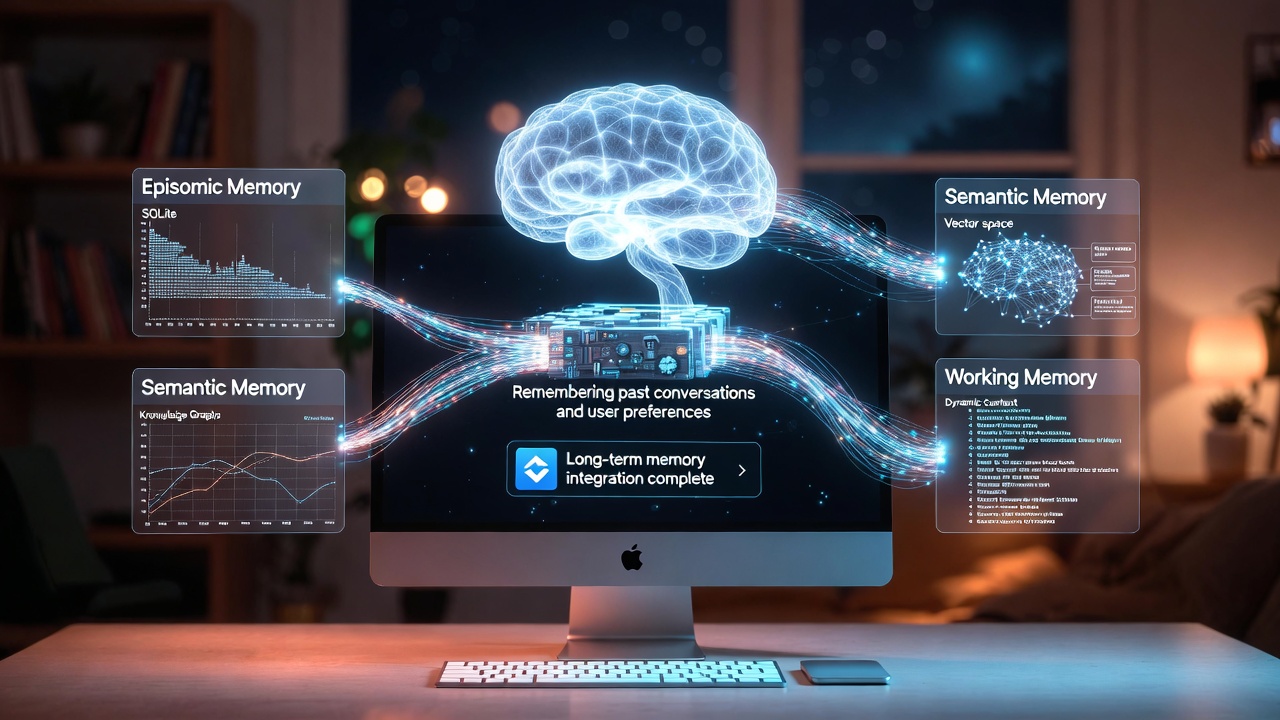
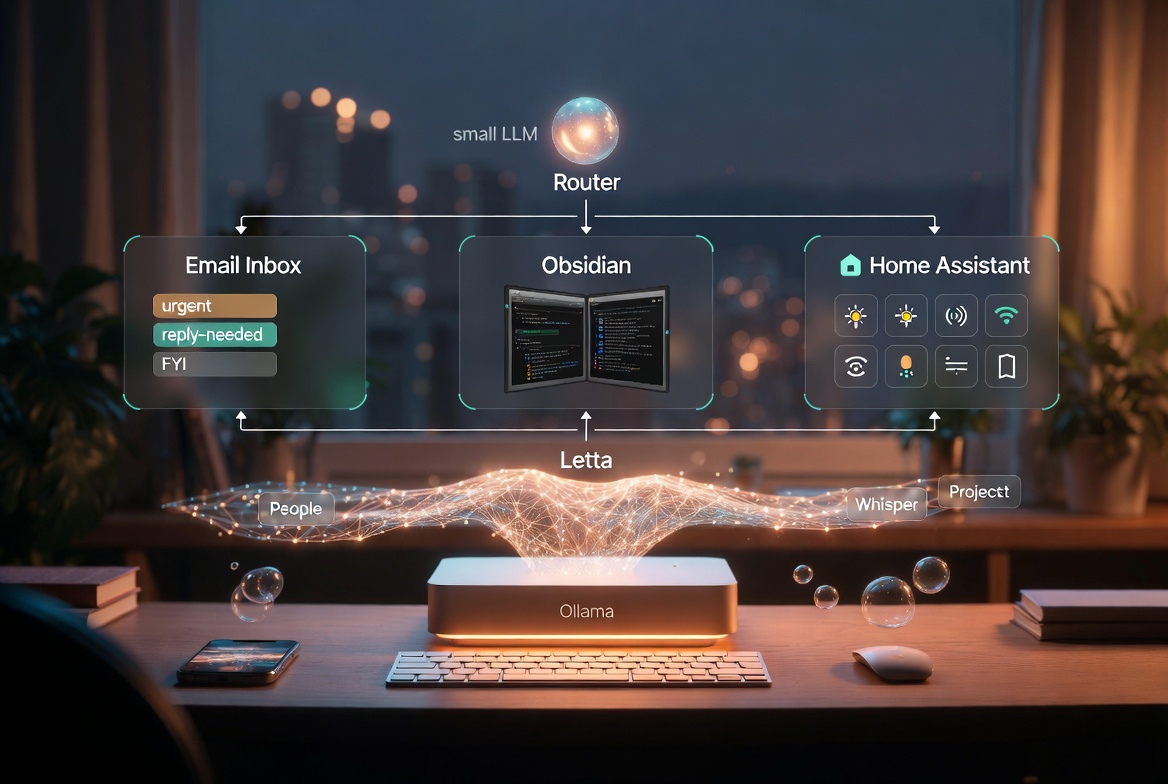
TL;DR Problem: a home agent with tools but no memory is a very well-read goldfish. Every morning it re-meets you. Answer: split memory into three layers - working, episodic, and semantic - and give each layer its own store and its own rules for what gets written. Where it lives: SQLite for episodic and facts, a local vector store for semantic search, and a tiny policy file that decides what is worth remembering in the first place. How it plugs in: a memory MCP server that exposes recall, remember, and forget - nothing else. Result: the agent can say “last Tuesday we tried restarting the Postgres container and it worked” and mean it. It also knows what not to store. The Goldfish Problem The home agent I built over the last few weeks can do real things now. It can read my mail, move files around my workspace, turn lights off, and check my calendar. What it could not do, until this week, was remember any of it. ...

April 22, 2026 · 9 min · James M
MCP Servers for a Home AI Agent Banner

Giving Your Home AI Agent Real Tools: MCP Servers on a Mac Studio

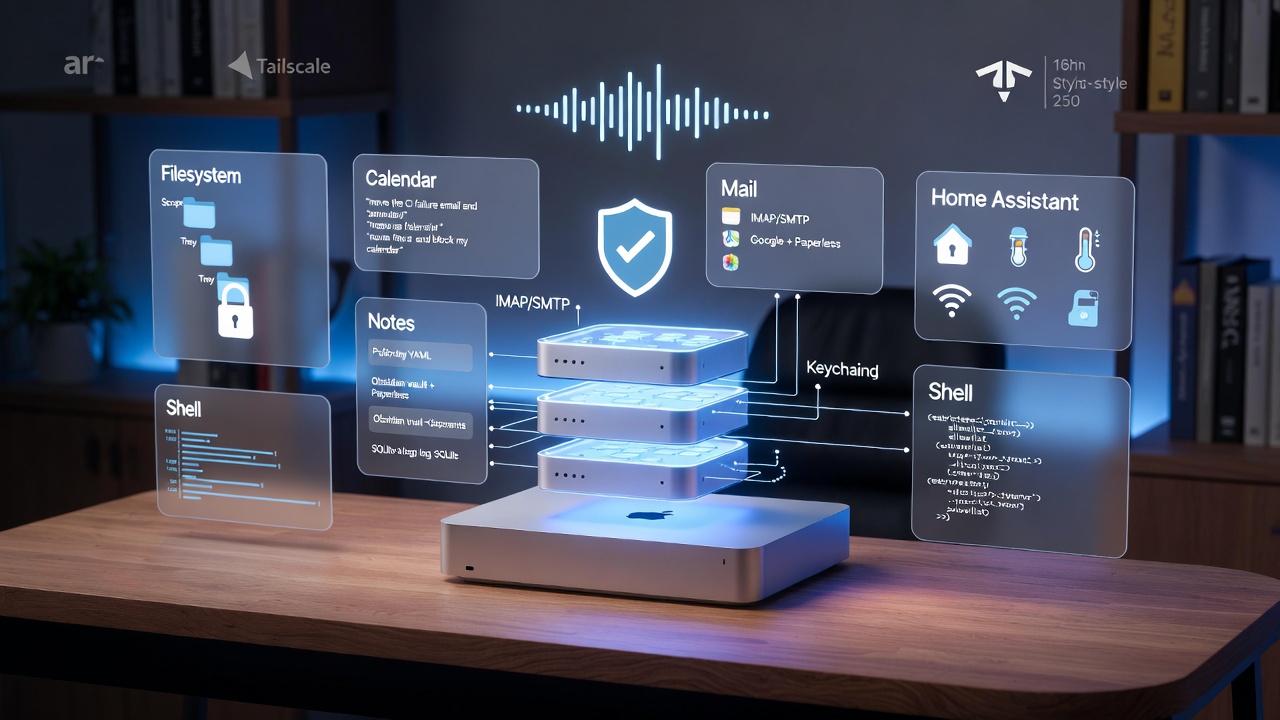
TL;DR Problem: a local agent that can only chat is a toy. The value is in what it can do. Answer: Model Context Protocol servers, running locally on the Mac Studio, expose filesystem, calendar, mail, notes, and a handful of custom tools. Runtime: one supervisord config, a small router, and per-server allowlists so nothing escapes its box. Security posture: no tool runs without a policy, secrets live in the macOS Keychain, and every call is logged to a local SQLite file I can grep at 11pm. Result: I can phone the agent (see How to Phone Your Home AI Agent), ask “move the CI failure email to triage and put a 15 minute hold on my calendar at 4”, and it actually does it. Why MCP and Not “Just Functions” Before MCP I had a directory of half-finished Python shims. Each one spoke a slightly different dialect: one took JSON arguments, one took positional args, one returned markdown and one returned a dict. Adding a new tool meant editing the agent prompt, the router, and the caller. ...

April 22, 2026 · 8 min · James M
Phone Your Home AI Agent Banner

How to Phone Your Home AI Agent Running on a Mac Studio

TL;DR Goal: Call a real phone number and have a proper back-and-forth with my Mac Studio agent while walking the dog. Hardware: Mac Studio (M2 Ultra, 128 GB) running a local model via Ollama or MLX. Voice pipeline: Twilio SIP in, LiveKit Agents orchestrating STT / LLM / TTS, Whisper for transcription, Piper or ElevenLabs for speech. Brain: A local 30B-class model for chat plus tool calls, with Claude API as a fallback for the harder reasoning. Reach: Tailscale between the Mac and a tiny VPS so I never punch a hole in my home router. Outcome: I can ring a UK landline number, ask “what’s failing on the CI pipeline?” and get a spoken answer in ~2 seconds. Why bother phoning your own agent? Typing is great at a desk. Outside the desk, it’s hopeless. I wanted the simplest possible interface to the box sat under my desk at home - dial a number, talk, hang up. No app, no login, no VPN dance on my phone. ...

April 21, 2026 · 10 min · James M
Mac Studio LLMs Icon

Which Mac Studio Should You Buy for Running LLMs Locally?

TL;DR Best entry point: M2 Max 32-64 GB (~£1.4k-£2k) for 7B-13B models at 25-40 tok/s Best sweet spot: M2 Ultra 64-128 GB (~£3k-£4.5k) handles 30B+ models comfortably Best for 70B models: M3 Ultra 128 GB+ (~£5.5k+) with 800+ GB/s bandwidth Newer alternative: M4 Max (£2k-£4k) - lower bandwidth (410-546 GB/s) than Ultra chips, but still solid for 7B-13B models Key rule: Memory bandwidth matters more than raw compute for token generation Reality check: A RTX 5090 rig is 2-3× faster for similar money - buy Mac for simplicity and unified memory You want to run large language models locally on a Mac Studio. Good idea - unified memory is genuinely useful for LLMs. But the specs matter, and there are some hard truths about what “works” versus what feels responsive. More importantly: the right Mac depends entirely on which model you want to run. ...

April 18, 2026 · 10 min · James M

Local AI vs Cloud AI: The Tradeoff Landscape in 2026

By early 2026, the “Local vs. Cloud” debate has moved past the experimental phase. We are no longer just “trying to see if Llama runs on a Mac.” Instead, professional engineers are building sophisticated Hybrid AI Stacks where local and cloud models work in tandem. The landscape has shifted because the hardware caught up to the software. With the prevalence of unified memory on Apple Silicon and the accessibility of 24GB+ VRAM cards like the RTX 50-series, the “local” ceiling has been smashed. ...

April 9, 2026 · 5 min · James M