
My Tracks - March 2026
A selection of my music production work from March 2026. Browse other months All Tracks Related Reading My Tracks - November 2025 My Tracks - October 2025 My Tracks - January 2026 My Tracks - April 2026
A selection of my music production work from March 2026. Browse other months All Tracks Related Reading My Tracks - November 2025 My Tracks - October 2025 My Tracks - January 2026 My Tracks - April 2026
In turbulent periods of life, a few clear principles can make complex decisions feel more manageable. Below is a distilled list of lessons and guiding rules that can be reused whenever things get messy. Legal and financial grounding Involve experts, stay in the loop. Use trusted professionals for complex legal and financial work, but stay copied into key communications and make sure you understand the main decisions being taken. Make money flows unambiguous. For big transactions - mortgage redemptions, refunds, pension moves - insist on clear written figures, timing, and an explanation of how any surplus or contingency will be handled. ...

TL;DR A community is a group of nodes with more internal connections than you would expect by chance; community detection finds these groups purely from network structure, not features Modularity is the metric everything uses - 0.3-0.7 is typical for real networks, and 0.9+ usually means you have over-clustered Louvain is the industry standard: fast, greedy, no hyperparameters to tune, and it produces high-modularity divisions; label propagation, spectral clustering, and Girvan-Newman fill the gaps The same technique powers friend-group detection, product clustering, fraud-ring identification, and finding functional modules in biological networks Overlapping communities remain the genuinely hard problem - most standard algorithms assign each node to exactly one group If you’ve ever looked at a social network and wondered “why is this group of people more connected to each other than to the rest of the network?”, you’ve just articulated the community detection problem. ...
If you’ve ever compared a Behringer Model D or Poly D to a classic Moog, you might have thought: “Wait… that looks exactly like a Minimoog!” Yet somehow, Behringer isn’t breaking any laws. How does that work? The answer lies in the fascinating intersection of patents, copyright, trademarks, and trade dress - the legal forces that shape hardware synth design. Patents: The Clock Ticks Out Patents are the most obvious form of protection for inventors. They grant exclusive rights to an invention for a limited time - usually 20 years. Once a patent expires, the invention becomes public domain. ...
Today feels like one of those rare moments in music technology where the ground really shakes. Native Instruments, the Berlin-born powerhouse behind the tools that countless producers, DJs, and composers have built entire careers around, has entered preliminary insolvency proceedings. This isn’t just industry news - it’s a big, honest moment that makes you pause. For many of us, Native Instruments has been more than a brand. It was the company that helped reshape how music gets made. Products like Maschine, Kontakt, Traktor, Reaktor, and Massive aren’t just plugins or hardware; they’re part of the creative rituals that defined genres and workflows for a generation. The grooves in a beat, the evolving sound of a synth patch, the loop that became a track - a lot of that has Native Instruments DNA in it. ...
The Roland Jupiter‑X is one of Roland’s most ambitious synthesizers, combining classic analog-inspired tones with advanced digital synthesis and modern performance features. Designed for musicians, producers, and live performers, it offers the sonic breadth of vintage instruments while providing hands-on control and studio-ready flexibility. As of January 2026 in the UK, the Jupiter‑X typically retails around £2,155 at Andertons Music Co. A Modern Take on a Classic Lineage The Jupiter‑X isn’t a simple reissue of any single classic synth. Instead, it leverages Roland’s ZEN-Core synthesis platform to model multiple legendary instruments, including the JUPITER‑8, JUNO‑106, SH‑101, and classic drum machine sounds. This makes it a complete sound studio in a keyboard, capable of producing everything from vintage leads and pads to complex layered textures and modern synth sounds. ...
Roland Juno‑X Review: A Modern Reinterpretation of a Classic Synth The Roland Juno‑X is Roland’s contemporary take on one of the most iconic synth lines in history. Designed for musicians and producers who love the classic Juno sound but need modern reliability and flexibility, the Juno‑X blends vintage-inspired tones with hands-on control and studio-ready digital features. As of January 2026 in the UK, the Juno‑X typically retails around £1,618 at Andertons Music Co. ...
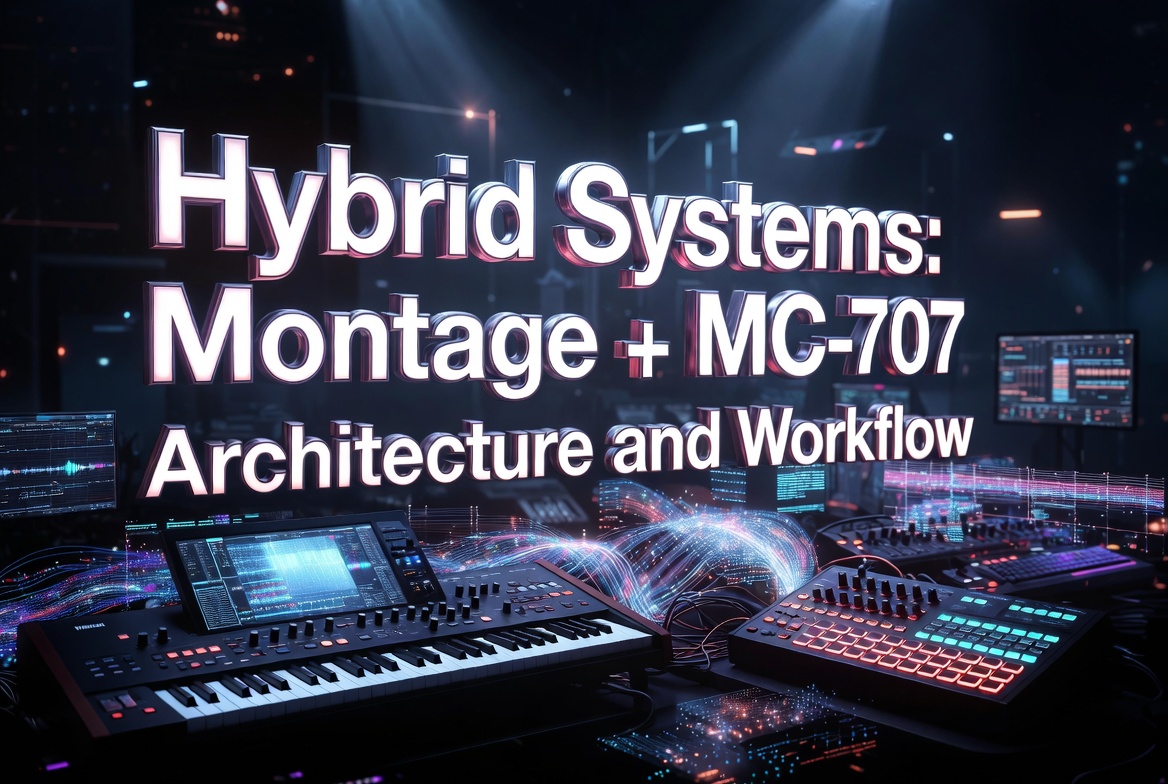
The Yamaha MODX M and Roland MC-707 make a surprisingly elegant pair when you stop thinking of them as separate instruments and start treating the MC-707 as a MIDI recorder and playback brain for the MODX. In this setup, the MODX becomes your hands and sound engine, while the MC-707 becomes the place where performances are captured, edited, looped, and arranged. It’s a simple idea, but it unlocks a very fluid, performance-first workflow. I use a closely related architecture with a Montage M instead of a MODX, which I cover in Hybrid systems: Montage + MC-707. ...
A curated, living list of the artists, players, and shows that have shaped my listening and playing over the years. Grouped by category and condensed into tables for quick scanning. Favourite Artists & Bands Genre Artist 90s Dance Awesome 3 90s Dance Cappella 90s Dance D:Ream 90s Dance Hyper Go Go 90s Dance Shades of Rhythm Dance / Electronic Jeremy Ellis Dance / Electronic Mezerg Funk & Jazz Jamiroquai Funk & Jazz Matt Johnson Funky House Purple Disco Machine Instrumental Al Marconi Instrumental Jean-Michel Jarre Instrumental The Piano Guys Pop Bronski Beat Pop Calvin Harris Pop Coldplay Pop Craig David Pop Curiosity Killed The Cat Pop Daði Freyr Pop Deacon Blue Pop Dead Or Alive Pop DJ Fresh Pop Enigma Pop Enya Pop Erasure Pop Gloria Estefan Pop Howard Jones Pop Jimmy Somerville Pop JLS Pop Josh Groban Pop Kool & The Gang Pop Kylie Minogue Pop Level 42 Pop Lighthouse Family Pop Limahl Pop Mariah Carey Pop Michael Bolton Pop Michael Jackson Pop Paul Hardcastle Pop Pet Shop Boys Pop Rozalla Pop Spandau Ballet Pop Take That Pop Technotronic Pop The Communards Pop Tony Mortimer Pop Westlife Pop Whitney Houston Pop Years & Years Pop Youngr Rock Eagles Rock Fleetwood Mac Rock The Beach Boys Rock The Cure Singer Songwriters Barry Manilow Singer Songwriters Carpenters Singer Songwriters Christopher Cross Singer Songwriters Stevie Wonder Synthwave Sunglasses Kid Trance Above & Beyond Trance Armin Van Buuren Favourite DJs Genre DJ Hard House Andy Farley Hard House Andy Whitby Hard House BK Hard House Carl Nicholson Hard House Guyver Hard House Paul Glazby Hard House Paul Maddox Trance Andy Bagguley Trance Armin Van Buuren Other Jaguar Skills Favourite Keyboard Players & Pianists Player Link Anthony Marinelli YouTube Barry Manilow YouTube Bartek Krzemiński YouTube Bert Smorenburg Website Howard Jones YouTube Jean-Michel Jarre YouTube Jordan Rudess YouTube Matt Johnson YouTube Robby Sharp YouTube Simeon Amburgey YouTube Stevie Wonder YouTube Thiago Pinheiro YouTube Favourite Composers Composer Notable Works Alan Menken Aladdin, Beauty and the Beast, Hercules, Pocahontas, Tangled, The Little Mermaid Andrew Lloyd Webber Cats, Jesus Christ Superstar, Joseph and the Amazing Technicolor Dreamcoat, The Phantom of the Opera Dario Marianelli Everest Hans Zimmer Gladiator, Inception, Interstellar, The Dark Knight, The Last Samurai, The Lion King James Horner Aliens, Apocalypto, Apollo 13, Titanic John Williams A.I. Artificial Intelligence, Catch Me If You Can, E.T. The Extra Terrestrial, Harry Potter, Home Alone, Jurassic Park, Saving Private Ryan, Schindler’s List, Superman Tom Salta Halo, Prince of Persia, Tom Clancy franchise Tom Salta is an ASCAP award-winning and BAFTA-nominated composer, one of the most versatile and prolific artists/producers working across film, television, advertising, and video games. ...
Playing by ear - discovering by accident The Joy of Surprise I don’t play the piano to master it. I play it because sometimes it surprises me. That sounds backwards, especially in a world obsessed with progress, scales, grades, and measurable improvement. But the thing that keeps pulling me back to the keys isn’t control - it’s discovery. It’s that moment when my fingers land somewhere they’ve never quite been before and something clicks. A sound appears that I didn’t plan, didn’t predict, and definitely didn’t know I knew. ...